
Step 1: Register with Elastic Cloud
First of all, you need an account with Elastic. Fortunately, Elastic offers a 14-day free trial, which is sufficient for our purposes. Visit Elastic Cloud Registration and follow the instructions to create an account.

Step 2: Create first deployment
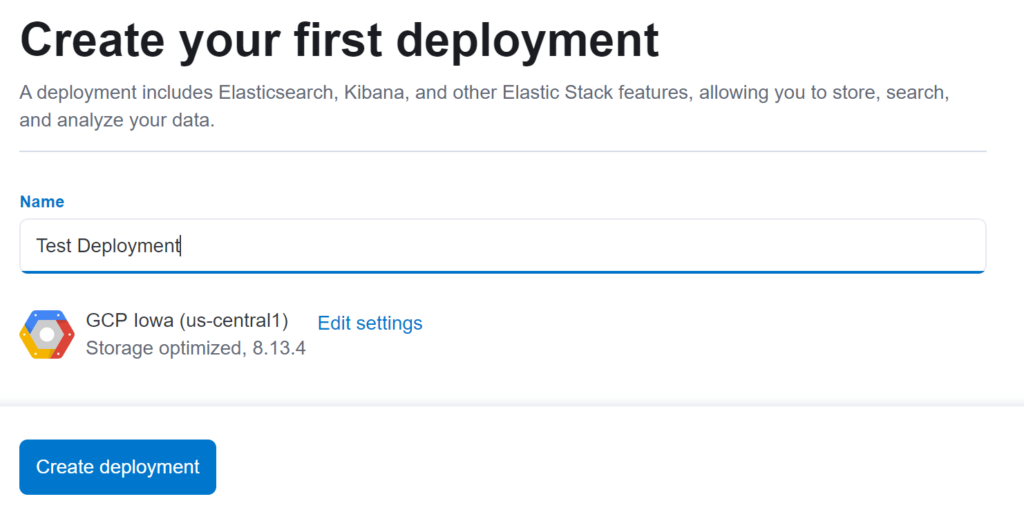
After registering, you will be taken to an overview page. Click on "I'd like to explore on my own" to start setting up your first deployment.

Step 3: Integration of Kibana
The next step is to integrate Kibana into your Elastic deployment. Navigate to "Add Integrations" and search for Kibana to add it to your system.
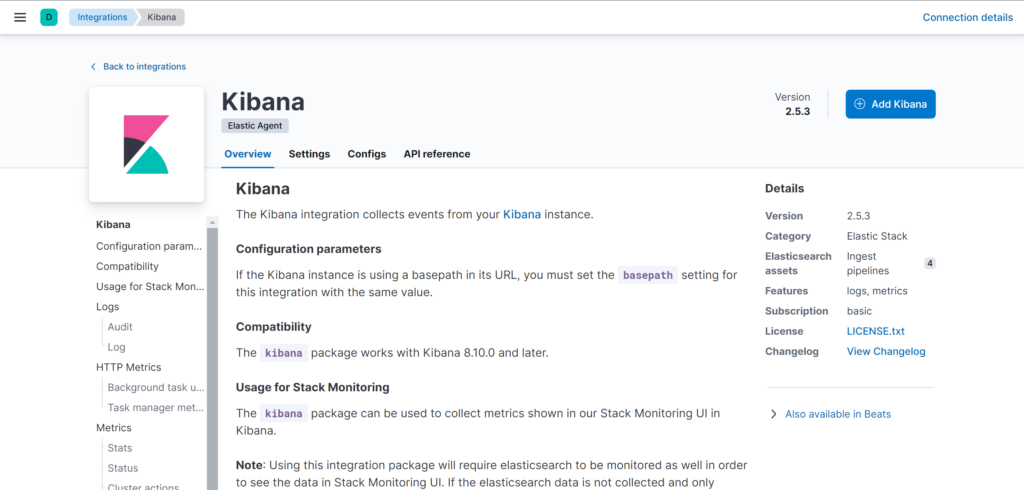

Step 4: Installing the Elastic Agent
The Elastic Agent is a central component of the SIEM system. Follow the steps below to install the agent on any desired device.


After successful installation, the device is displayed in the Kibana dashboard under 'Fleet' and the logs start flowing into Elasticsearch.
Step 5: Integration of the Sysmon logs in Elastic
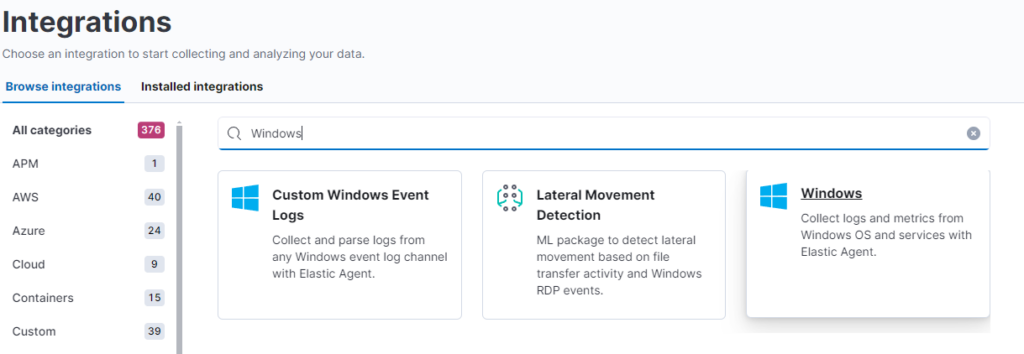
To integrate the Sysmon logs into your SIEM system, navigate to "Add Integrations" again and add the integration for Windows. Make sure that "Sysmon Operational" is selected under the settings and select "existing Hosts" for monitoring.
Monitoring with Sysmon for Windows
Sysmon is an advanced monitoring tool for Windows systems specifically designed to detect suspicious activity and improve network security. It provides detailed logs of processes, network connections and registry changes that are essential for forensic analysis and early threat detection. Customizable configuration enables targeted monitoring, making Sysmon particularly suitable for corporate networks, research institutions and security-conscious home users. By integrating with larger security platforms, it expands monitoring capabilities and helps with long-term security monitoring.
You can install Sysmon on your Windows device to forward relevant logs to ELK by using one of the following deployment methods:
Multiple endpoints - Based on your software tools, perform one of the following actions:
Install Sysmon with a software deployment tool.
Integration of Linux end devices with auditd
For Linux systems, auditd is the preferred choice for recording security events as it is a native Linux tool. This auditing system records system-relevant activities and events for security analysis. However, it can consume a large amount of resources if the monitoring settings are not configured properly. It is therefore advisable to take a closer look at the tool.
Step 6: Check the logs
Once set up, go to the sidebar under 'Discover'. Here you should see the first log entries, which is an indicator that the configuration was successful and logs are being recorded.